Lately I see a new trend: more and more sites are built on Astro. Static, 100 in Lighthouse, “WordPress is outdated”. Every time I read about it, I feel a little uneasy. Because I’ve been through this before, only back then the trend was called Gatsby.
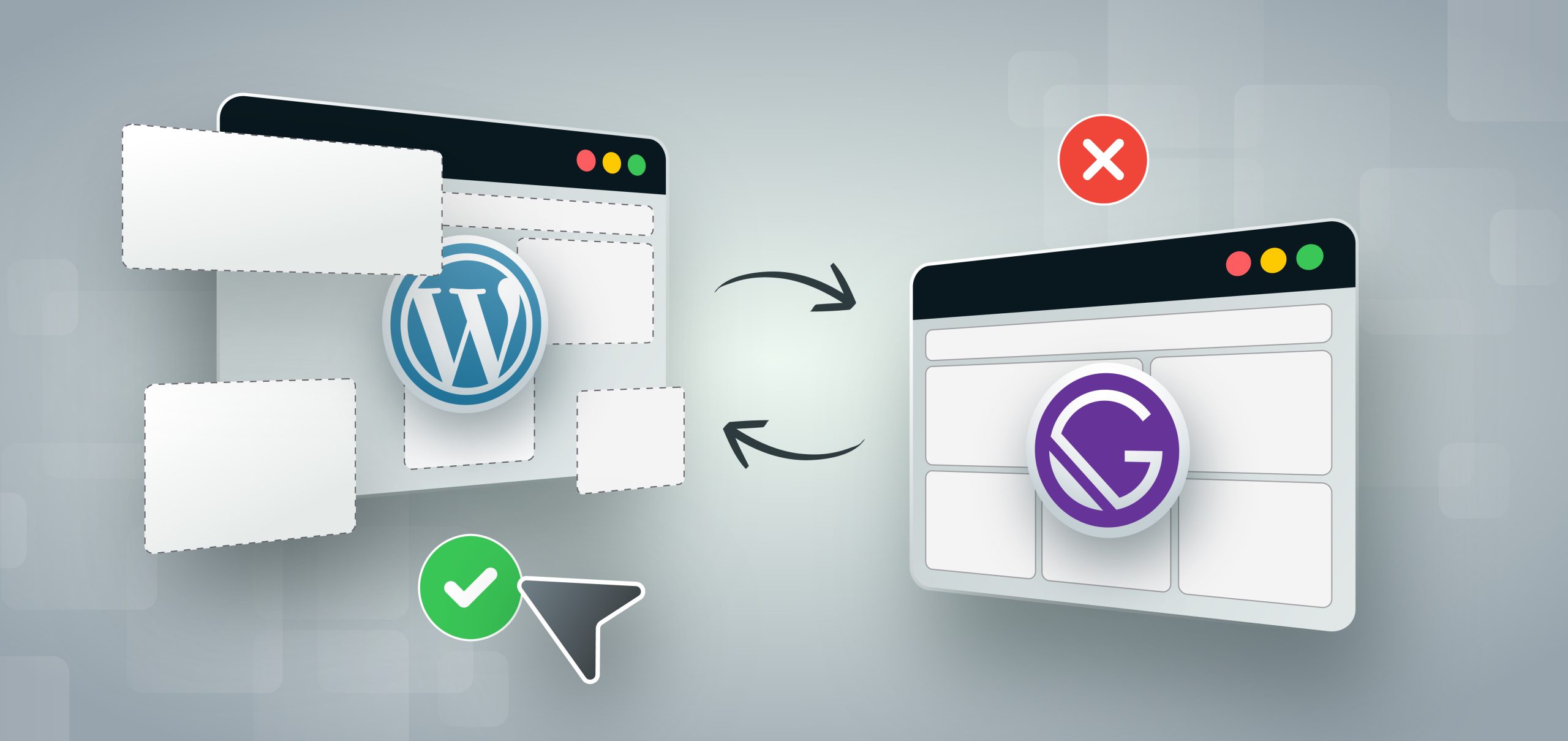
A few years ago I came across it and got excited. The idea was simple: WordPress stays as the admin panel, and the site is built as static files and opens instantly. It felt like we could finally bring something new into everyday WordPress development. “Blazing fast websites”, Gatsby promised on its home page. Developers bragged about 100 in Lighthouse, and conference talks showed sites that opened before you even clicked. Gatsby was fashionable, stylish, young.
I brought Gatsby to a team discussion, and we decided to try it on our own website first. That is our standard approach to any major new technology, including AI, which we brought into our work recently. We build sites for clients, so our own site is our shop window, and the safest place to test something new. These were my arguments:
- The site as a demo. A client opens our site, sees instant page transitions and 100 in Lighthouse, and immediately understands that we can build fast sites.
- Standing out from competitors. Everyone builds on WordPress. We’ll be the ones working on a modern stack.
- We lose nothing. WordPress stays as the admin panel, so everyone who fills the site with content keeps working the way they always have.
- Ourselves first. We’ll live with a site like this ourselves, and then decide whether to offer it to clients.
The team agreed, and I started building. At that point I didn’t know I would be paying for this idea for the next four years.
The irony: we didn't need a new stack for speed
On ordinary WordPress we built HR University, Technical Writer HQ and Product HQ, and years later they still pass Core Web Vitals.
Read the case study- ~990
- articles across three sites
- 100%
- of URLs good on desktop
- 99%
- of URLs good on mobile
“We keep WordPress, but only as the admin”
First, everything had to be connected. On WordPress we install WPGraphQL, because Gatsby gets its data through GraphQL. Then a plugin so that ACF fields show up in GraphQL at all. Then WPGatsby: it told Gatsby about every change in the admin so that a new build would start, and it replaced the Preview button. In a headless setup, the normal preview would show the WordPress theme, not our site. So instead, WPGatsby signalled a separate Gatsby preview server, which fetched the draft from WordPress, built the page and opened it in a new tab. And on the Gatsby side, gatsby-source-wordpress downloads the whole site from WordPress on every build.
Four layers, each with its own version, and all of them have to get along. Update one WordPress plugin, a field disappears from the schema, and the build fails with something like Cannot query field … on type …. The site no longer stood on WordPress or on Gatsby, but on a shaky bridge between them.
And that was just the base. Any WordPress feature we wanted on the site had to be found on npm as a separate Gatsby plugin. For SEO we installed a library that pulled meta tags and structured data from Yoast and printed them on the pages. For a while it worked. Then its developer abandoned it, and Gatsby released a new version. The library no longer worked with it, and we had a choice: stay on the old Gatsby, or rewrite the SEO part ourselves. In normal WordPress, Yoast just works, and you never even think about this.
Editing blind
We built the pages in the admin with ACF flexible content: a banner, text with an image, a slider, an FAQ, each section its own set of fields. Convenient for a developer. But the person editing the site sees a column of collapsed blocks full of inputs and has no idea what it will look like on the page.
The person who filled our site with content complained all the time. Fill in the fields, save, wait for the build, open the site. The heading doesn’t fit in two lines, and around we go again. And preview, as I’ll explain below, worked every other time.
We thought about moving to Gutenberg so the editor could see at least something. But in a headless setup, Gutenberg arrives in Gatsby as one chunk of HTML. Any block that had to do something (a slider, tabs, an accordion) would have to be taken apart and brought back to life in Gatsby with our own React logic. In effect, a second renderer for every block. We estimated how long that would take and left everything as it was.
Same story with forms. A static site can’t receive anything, so we built forms through the WordPress REST API: our own form component on the front end, our own endpoint on the back end, our own validation, our own emails, our own spam protection. In normal WordPress that’s one plugin, and we were writing all of it ourselves again.
Click “Update”, and nothing on the site
In normal WordPress you click “Update” and the change is already on the site. For us, the button sent a webhook, the webhook started a build, and the build took several minutes: Gatsby downloaded the data, processed the images, generated the pages. Several minutes to fix one comma in a heading.
People didn’t understand what was happening. They clicked “Update” again, and a second build joined the queue. Then a message appeared in the team chat: “the site is broken, changes aren’t saving”. Nothing was broken. You just had to wait.
Our SEO specialist suffered the most. He changed titles, descriptions and headings and tested different wording, and every edit showed up on the site only minutes later. Check a change, fix it, check again, for hours. He complained constantly that it was impossible to work with this site, and he was right.
Preview also worked every other time. The documentation honestly warned that preview might have less data than development mode. And it did: an editor opened a preview and got a 404, or a page with half the fields missing.
None of this means WordPress is right for everything. We build on Next.js too, when a project needs it. The technology was never the problem. Overengineering was: a static front end, a build pipeline and four layers of plugins for a company website that needed none of it.
Maintenance that never ended
Six months in, builds started failing with JavaScript heap out of memory. The cause was trivial: people uploaded photos straight from their cameras, and Gatsby processed them in memory. We raised the memory limit, reduced the number of image-processing threads, and asked everyone to compress photos before uploading. Someone forgot, and the build failed again.
Sometimes WordPress itself went down, because during a build Gatsby hit it with hundreds of requests. The log ended with the line “Your WordPress server appears to be overloaded”. The site that was supposed to take load off the server was the one bringing it down.
The framework I had been so proud of in that meeting became my personal technical debt, and I paid it off for four years. Whenever one of the developers wrote in the team chat that he was starting a new feature, my stomach tightened. I already knew he would message me within an hour or two.
From the start we had agreed not to rush this to clients. First live with the site ourselves and see what the editing and day-to-day work would be like. We lived with it. The site flew: pages opened instantly, Lighthouse showed 100. But behind that speed were failing builds, a preview that didn’t work, an SEO specialist waiting hours for his edits, and endless fixes. When we sat down to sum it up, the decision was shared and simple: clients don’t need this. They need a site they can run themselves, not speed they pay for every day with inconvenience.
When headless was the right call
Strawberry Tours: a booking platform for 589 tour vendors, where we moved the front end to Next.js and NestJS and kept WordPress for the content team.
Read the case study- 160,000+
- bookings of own tours
- 5,000+
- pages moved, every address kept
- 583
- cities
What happened to Gatsby
If you’ve never heard of Gatsby, that’s not surprising. Hardly anyone mentions it now.
Gatsby appeared in 2015 as a static site generator built on React. A company grew around the project. In 2019 it raised $15 million, in 2020 another $28 million, and its press release promised to become “the way the web is built”. Gatsby was shown at every conference, the whole “Jamstack” wave rested on it, and Gatsby Cloud offered fast builds and previews made specifically for WordPress.
Then it all fell apart. Next.js did the same thing, only more flexibly, and developers gradually moved there. In February 2023, Netlify bought Gatsby. Within a few months, most of the core team had left. The same year Gatsby Cloud was shut down: customers were given an end-of-service date, and free sites were switched off at the end of September 2023. Everyone was offered a move to Netlify, and some started paying noticeably more after the move.
Formally, Gatsby is alive, and Netlify promised to support it. In reality there are no new features, the framework is in maintenance mode, and many plugins haven’t been updated in years. There’s a GitHub discussion with the honest title “Is GatsbyJS Officially Dead?”, and the official site carries a banner saying “Migrate to Netlify Today”. Nobody starts new projects on it.
And we jumped on that train right at its peak.
Why AI makes this even more important
Now back to Astro, where I started. You don’t even have to write a site like that anymore: AI generates a good-looking static site in an hour. It seems the client got everything they needed, and cheaply.
But AI didn’t make development cheaper so that the client gets the same site for less money. With it, we can build better sites, meaning sites that are cheaper in everyday work. The SEO specialist spends less time on edits, and the client pays him less. A content manager does in an hour what used to take a day. And the client asks their own AI to add a page or update prices, and it’s done in minutes, without a developer. The real saving isn’t at launch. It’s in every working day after it.
People will say: why a CMS when there’s git? Connect AI to the repository and let it change the files. Let’s look at how that works in practice. A content manager asks their AI to create a new “Services” page. The AI doesn’t know how this site is built, so it starts reading the code: where the pages live, how templates are connected, where the menu comes from, where meta tags go. Every file it reads takes up space in its memory, its context. There are many files, and the more the AI reads, the worse it keeps hold of what matters. It mixes up a template with content, forgets what it agreed with the person at the start of the conversation, and in the end creates not quite the right page, or touches the one next to it. And tomorrow, with the next request, it all starts over.
On top of that, git doesn’t tell people apart. The SEO specialist and the content manager both get access to all the code, even though each needs only their own part. And when they work at the same time, their changes collide.
The usual things aren’t there either. Take a content manager’s normal day. They’re writing an article, don’t finish, and want to save it as a draft to continue tomorrow. Or they’ve prepared ten articles today and want them to go out one each morning. In WordPress, that’s two buttons: “Save Draft” and “Schedule”. And they work for any content, from articles to case studies and job openings. On a static site, a draft is a separate git branch or a flag in a file, and a scheduled post has to be set up by someone technical, who also has to keep it running: the site must rebuild itself at exactly the minute the article is due. So you need a developer even for things a CMS has out of the box.
Others will say: take Astro and connect Sanity or Storyblok, they have drafts, roles and preview. They do. But now you have two separate systems, and each one has to be set up, secured and maintained. And between them, a bridge again: webhooks, builds, a separate preview server, and often one more subscription. I’ve been through this already. Back then, the two systems were called WordPress and Gatsby.
AI doesn’t need files. It needs tools. A content manager doesn’t need the whole site: templates, styles, settings, code. They need articles, pages, images and meta tags, and their AI should work with only that. “Create a page” creates a page. “Show me pages without SEO” answers in one request. “Change the heading” changes only the heading. The AI doesn’t have to understand the code, its memory is taken up by the conversation with the person rather than by files, and the result is more accurate. And the system itself checks that everything was done correctly.
And everyone works within their own limits. WordPress has roles out of the box, and an AI working on someone’s behalf gets exactly that person’s rights: the content manager’s agent won’t touch the settings, and the SEO specialist’s agent won’t go into the code.
WordPress with AI is more powerful than ever
One person builds, designs and runs the content and SEO of a site from their AI chat. The agent gets tools instead of files, and works with the rights of the person who connected it.
See WordPress MCP- 6 hours
- this website, from Figma to live
- 3 roles
- developer, designer, content and SEO in one chat
- Free
- plugin, nothing to pay to run your site
And one more thing we all know: a client wants one thing today and something new tomorrow. A blog, then a catalogue, then filters, then multiple languages. A site has to grow with the business. You could say that with AI, rebuilding a site is cheap now. But rebuilding it from scratch every time the client has a new idea isn’t growth. It’s a new launch every time, with the risk of losing the content, SEO and redirects the site has already earned.
What I took from this story
None of us counted how many human hours the site would need after launch. We built the site for Lighthouse, when we should have built it for the people who work with it every day. I got carried away by how modern it all was, and didn’t think about who would be maintaining it two years later.
WordPress did a pile of things we never even noticed: preview, drafts, instant publishing, roles and permissions, forms, search, redirects, a media library with different image sizes. We threw all of it away, then spent money and time putting it back together, and it came out worse.
A properly set up WordPress also gives you speed and security: caching, a CDN, optimised images, updated plugins. You don’t need to rewrite the site on a new framework for that.
Now, when someone suggests building a site on something fashionable, I ask one question: who will deal with it on an ordinary Tuesday, when someone just needs to change a line of text? And more and more often the answer is: a person, together with their AI.