The Submitters
Real-time group chat for a WordPress site
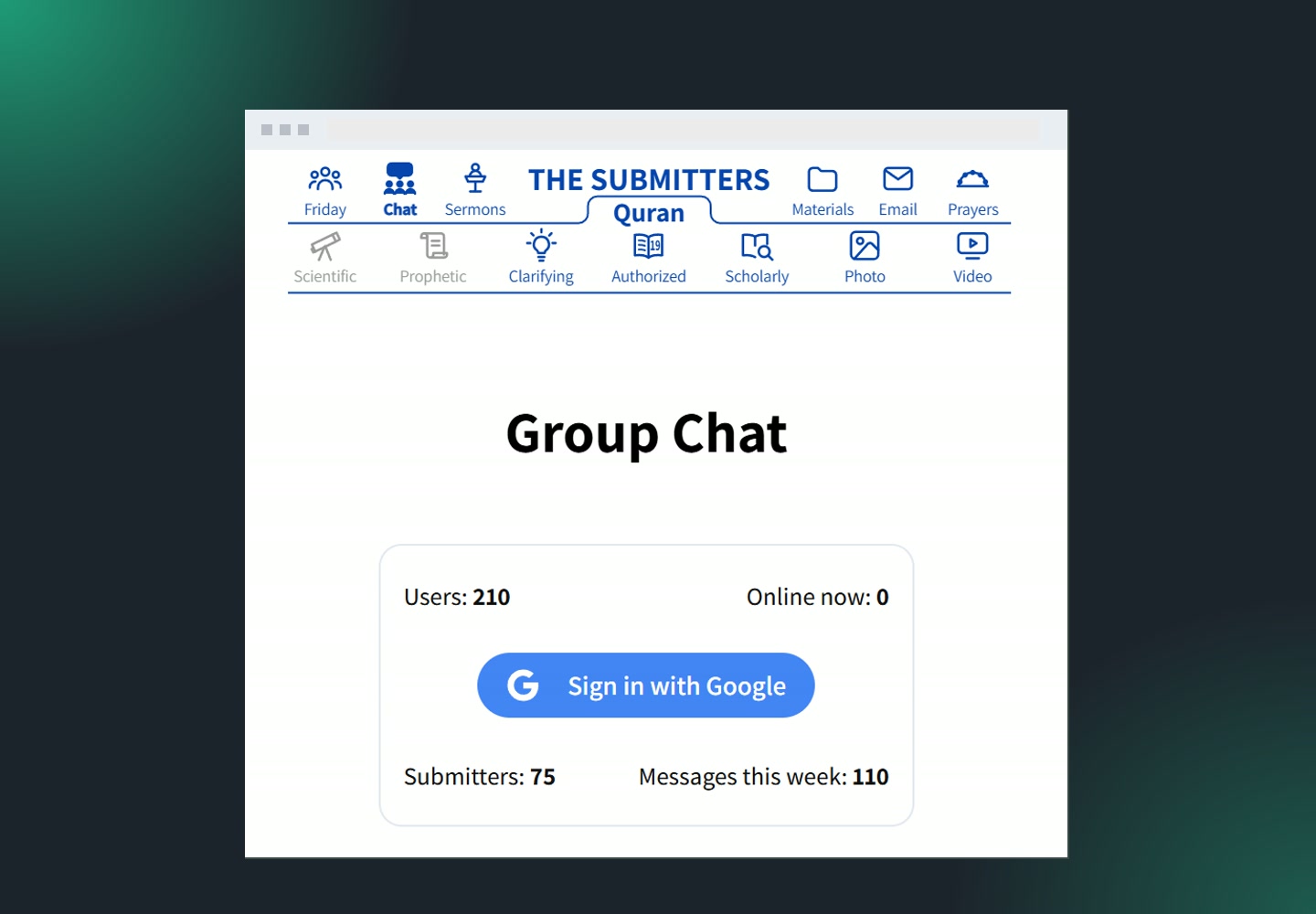
7Fridays built a WordPress chat plugin for The Submitters: a live group chat room inside their site, with React and Firebase. 210 people have joined it, and it costs nothing to run: the free Firebase quota is never reached.
The Submitters is an online faith community with sermons, study materials and videos on a WordPress site. Members wanted to talk to each other on the site itself, not only read and watch. Off-the-shelf chat plugins either charged per seat, sent every message through a third-party service, or slowed the site down under load.
Chat is one of the few jobs WordPress should not do by itself. Every message has to reach everyone the moment it is sent, and in plain WordPress that means every open browser asking the database again and again. So we built the chat as a React app on Firebase for real-time messages and presence, and kept WordPress for users, cache and admin. The client chose Firebase over a Node.js server of our own because their team could maintain it, so we designed every database call to keep the bill at zero.
Visitors sign in with Google, see who is online and who is typing, send text, links and images, and get every new message instantly. We built it in three stages: the first version, then new features, then improvements based on what real users asked for.
Website: thesubmitters.org/chat
- Client
- The Submitters
- Industry
- Online faith community
- Delivered in
- 3 stages
- What we did
- WordPress plugin, Firebase, real-time chat
Chat admin for the owner
What moderators run the chat with
Moderation, users and logs live in the WordPress admin the team already uses.
Block users and delete messages
Moderators mute a user from the Who is online list with one click. A blocked user stays visible but can’t post. Any message can be deleted from its menu, and the deletion is logged.
What it replaced
Nothing. Without it, one spammer could take over the room.
Admin roles by email
The owner adds email addresses in settings, and those users become chat admins on their next sign-in. Google Sign-In creates or links the WordPress account automatically.
What it replaced
Creating accounts and roles by hand.
Session log
Every visit is written to a CSV: who joined, when, and for how long. The owner downloads it from the admin and sets how many days to keep it.
Why it matters
The client sees real attendance, not page views.
Results since launch
Numbers from November 2026
- $0
- monthly Firebase bill, on the free plan
- 100×
- fewer database reads thanks to the WordPress cache
- 210
- people signed up to the chat
- 110
- messages sent in one week
Fast first load
30latest messages come from the WordPress cache
Opening the chat costs Firebase almost nothing: the last 30 messages are served from the WordPress cache. After that the page only listens for new messages, and older history loads in batches of 240 as the visitor scrolls up.
Presence, typing and clean-up
A chat that feels alive, and stays tidy
Who is online
30 sheartbeat from every open tab
Each visitor sends a small still-here signal. If a browser crashes or the connection drops, a scheduled job removes the ghost user within 2 to 5 minutes. People are listed in the order they joined, and a second tab doesn’t move anyone.
Messages and images
24 hmessage lifetime, images 48 h
Messages are deleted after a day, images after two. Images are stored in WordPress uploads, not in Firebase Storage, so the client never pays for file hosting and the media library stays clean.
I am happy with all the work you did.
Building a real-time chat for WordPress
Questions, answered from this project
How long does it take to build a chat plugin like this?
We built it in three stages: the first version, then new features, then improvements based on feedback from real users. Working this way, the client had a usable chat early, and the later features were shaped by how people actually used it. With AI in our workflow today we would build it faster.
Will Firebase get expensive as the chat grows?
Not for a typical community site. The WordPress cache serves the chat when it opens, presence data is tiny, and images never touch Firebase Storage. Reads grow with the number of messages and the people online to receive them, and on this site they stay far below the free 50,000 Firestore reads a day.
Can people use it without creating an account?
They sign in with Google in one click. The plugin creates or links their WordPress user in the background.
How is it protected from bots and abuse?
Firebase App Check with reCAPTCHA v3 blocks scripted traffic. Firebase security rules let each user change only their own data. Moderators can block users and delete messages.
What can the owner manage without a developer?
Admin emails, blocked users, deleted messages, session logs and how long to keep them. The chat goes on any page with the [live_chat] shortcode.
More WordPress projects

OptiGrid
A Next.js CMS for OptiGrid: WordPress as a headless CMS behind their Next.js website, so the team publishes news and edits pages itself, with SEO managed in Yoast.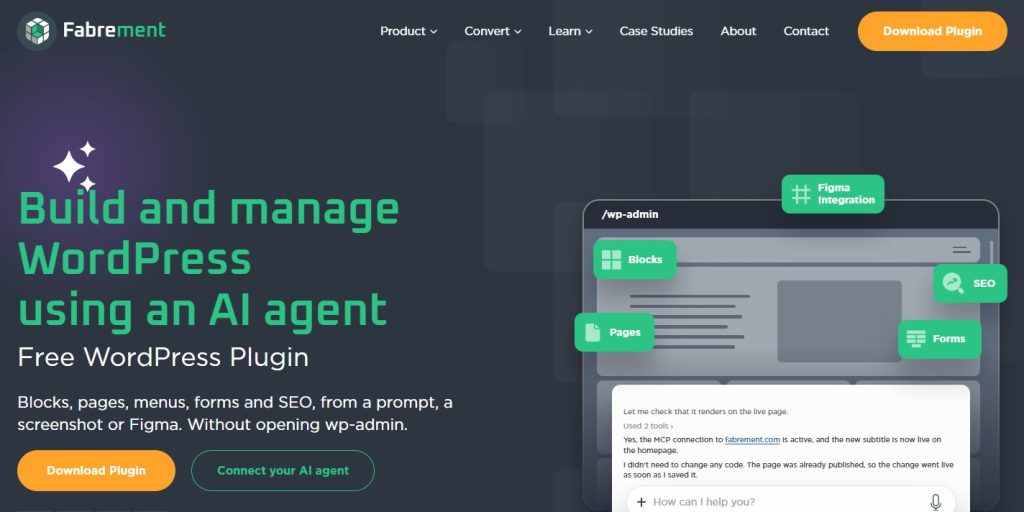
Fabrement
WordPress plugin development for our own team: Fabrement, a plugin with an MCP server for every site, so the AI agent you already use builds WordPress properly. This site went from Figma to live in 6 hours.
How our WordPress plugin changes your workflow
Small landing page updates can take over a week of designer and developer back-and-forth. Here is how AI Custom Blocks lets you go from idea to a ready Gutenberg block in minutes.
Let's make something meaningful
Tell us what you are building. A real engineer replies within one working day — usually with questions, sometimes with a first estimate.
Talk to us
Tell us what you are building. A real engineer replies within one working day — usually with questions, sometimes with a first estimate.